22qq Client : CRY-STAL
DOWNLOAD CLIENTCRYSTAL SUBCATEGORIES
Lwfh CrystalENABLED
Auto Inventory TotemDISABLED
Anchor MacroDISABLED
Safe AnchorDISABLED
Totem KBDISABLED
Auto Double HandDISABLED
Totem OffhandDISABLED
AirPlaceDISABLED
Auto Hit CrystalENABLED
COMBAT SUBCATEGORIES
Target ESPENABLED
No Friend DamageDISABLED
Trigger BotDISABLED
HitBoxDISABLED
Auto TotemDISABLED
RENDER SUBCATEGORIES
Camera DistanceENABLED
Free LookDISABLED
Block HighlightDISABLED
Fake ScoreboardDISABLED
ParticlesDISABLED
MISC SUBCATEGORIES
Auto ToolDISABLED
Chat UtilityDISABLED
NotificationsENABLED
Module SearchENABLED
BYPASS SUBCATEGORIES
Mode: DefaultENABLED
No Slow BypassDISABLED
Velocity BypassDISABLED
Timer SafetyDISABLED
OFFICIAL DOWNLOAD
Download the latest 22QQ Client build from the official endpoint. If the file is temporarily unavailable, status will appear below.
SETUP AND IMPORTANT INFO
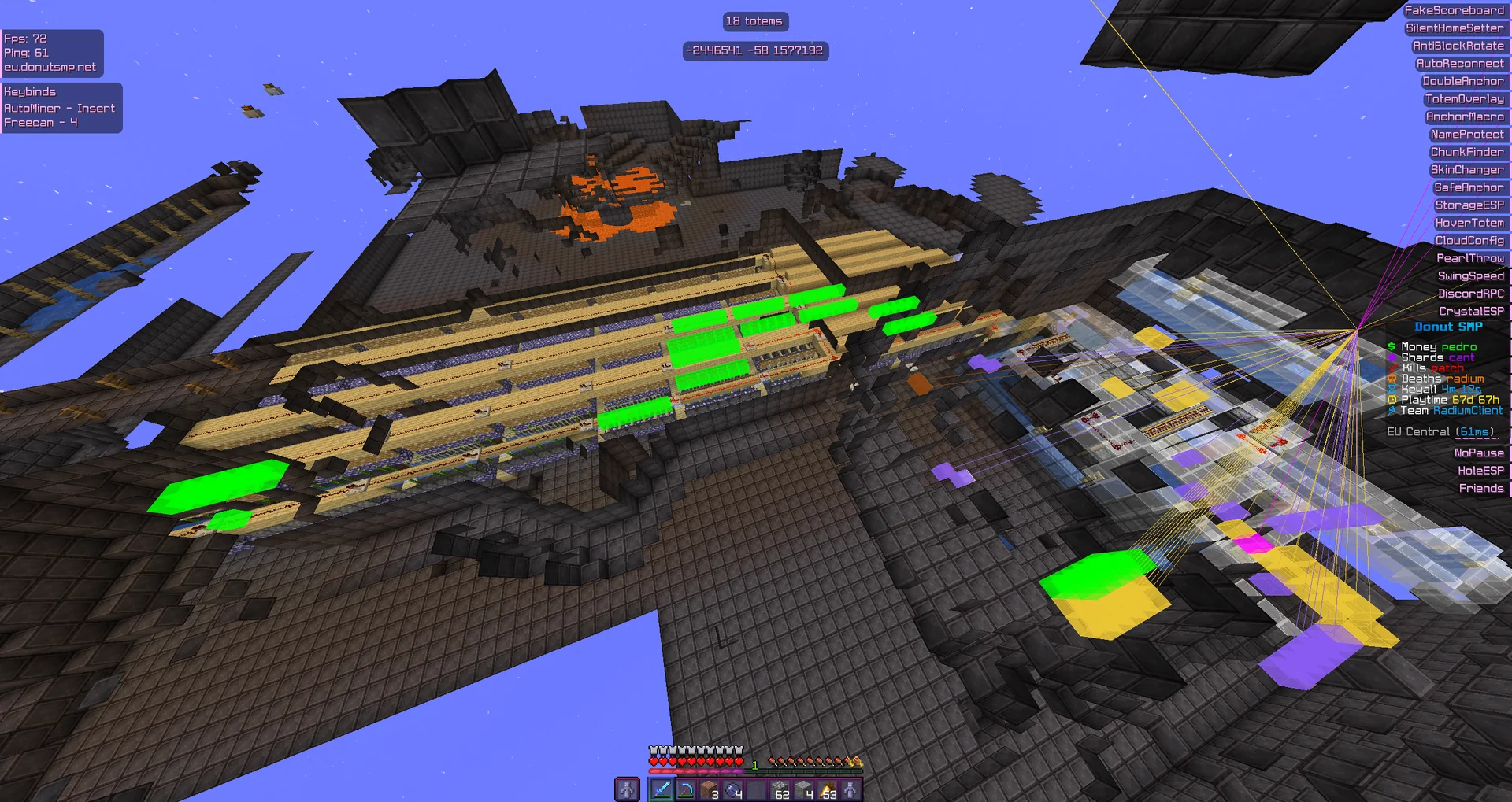
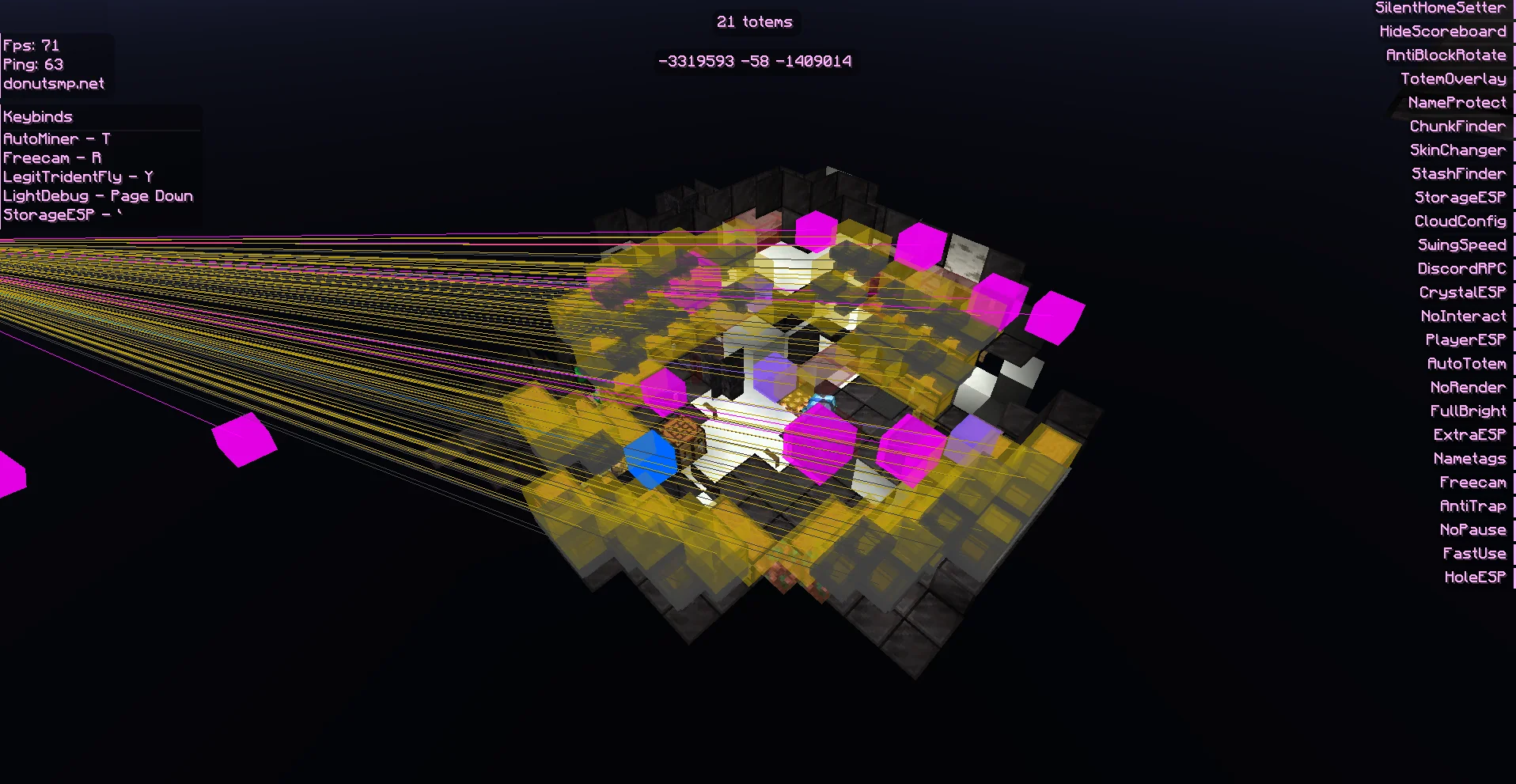
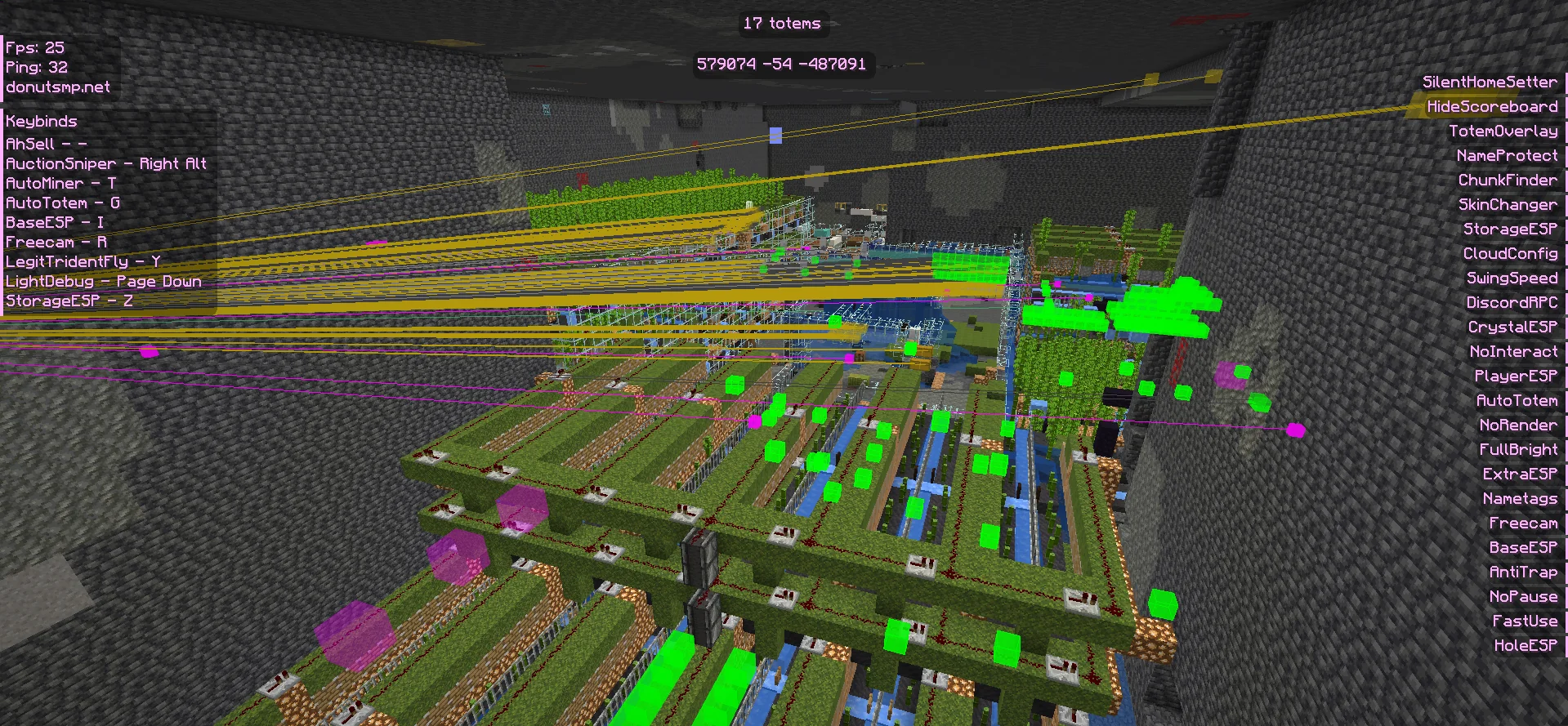
GALLERY PREVIEWS
Static gallery previews bundled with this page.
FAQ
What version is supported?
22QQ Client is currently configured for Minecraft 1.21.11 with Fabric.
How do I open the menu in game?
Use Right Shift to open the GUI and access the subset categories.
Why is this page optimized for SEO?
It includes semantic sections, metadata, OpenGraph, Twitter tags, canonical URL, and structured data for better indexing.